Mining
Find the early warning signs in your crushers, mills, slurry pumps, conveyors, and process circuits before they become downtime, lost throughput, or another unanswered shift handoff. Grayson TimeSeries lets engineers and operators individually chat with their industrial process data for quick insights with a deterministic and auditable AI agent.
Get answers, quickly, by chatting with your industrial process data inside Microsoft Teams.

Ask Your Data.
Get Answers Now.
In Teams.
Get fast, trustworthy answers from your industrial process data through conversation - no new dashboards, no coding, and no waiting for someone else.

Use Cases
The warning signs are already in your mining data
Mining teams are surrounded by historian data, but the people closest to the equipment often do not have time to manually trend every crusher, mill, slurry pump, conveyor, and process-circuit signal. Early warning signs get buried in CSV exports, dashboards, shift notes, and alarm noise.
Grayson TimeSeries Lite helps mill teams ask direct questions of that data and get evidence-based answers backed by deterministic models.
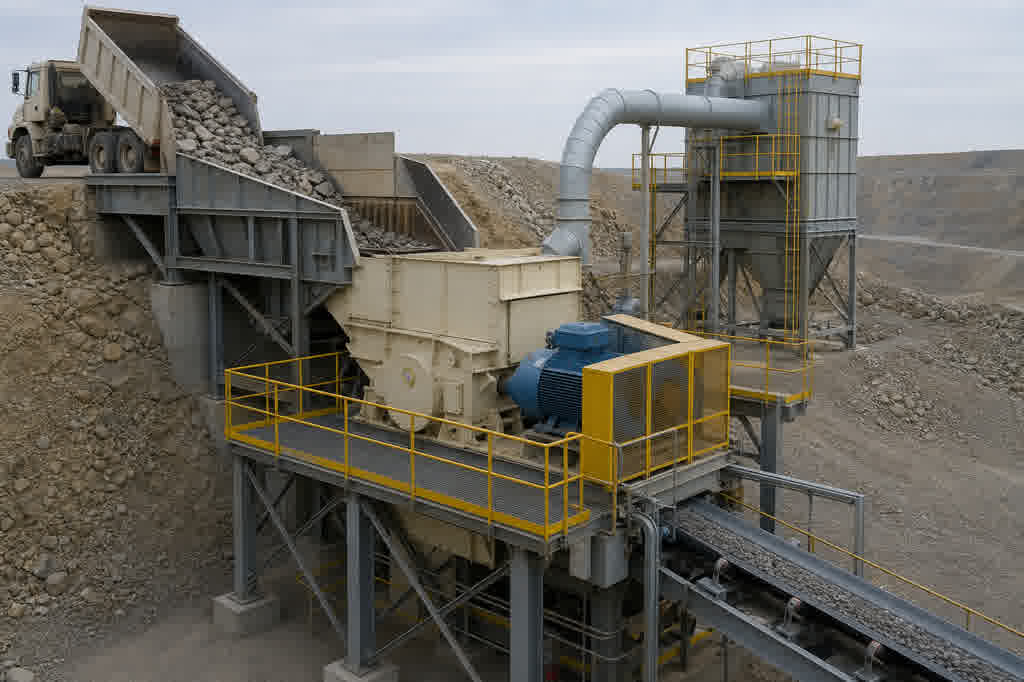
The cost: A crusher trip or unplanned crusher outage can starve the downstream circuit, reduce throughput, and force maintenance teams into reactive troubleshooting.
What Grayson does: Tracks motor current variance, vibration, lube oil temperature and pressure, feed rate, and discharge behavior to surface patterns consistent with overload, bearing issues, lubrication problems, or abnormal operating variance.
Ask Grayson: “Here’s the last 14 days of motor current, vibration, lube oil temperature, and feed rate for Primary Crusher 2. Is the data showing a pattern consistent with overload or developing mechanical issues?”
Outcome: Help the operator prove whether “this crusher doesn’t look right” is backed by current, vibration, lubrication, and feed-rate data analysis.
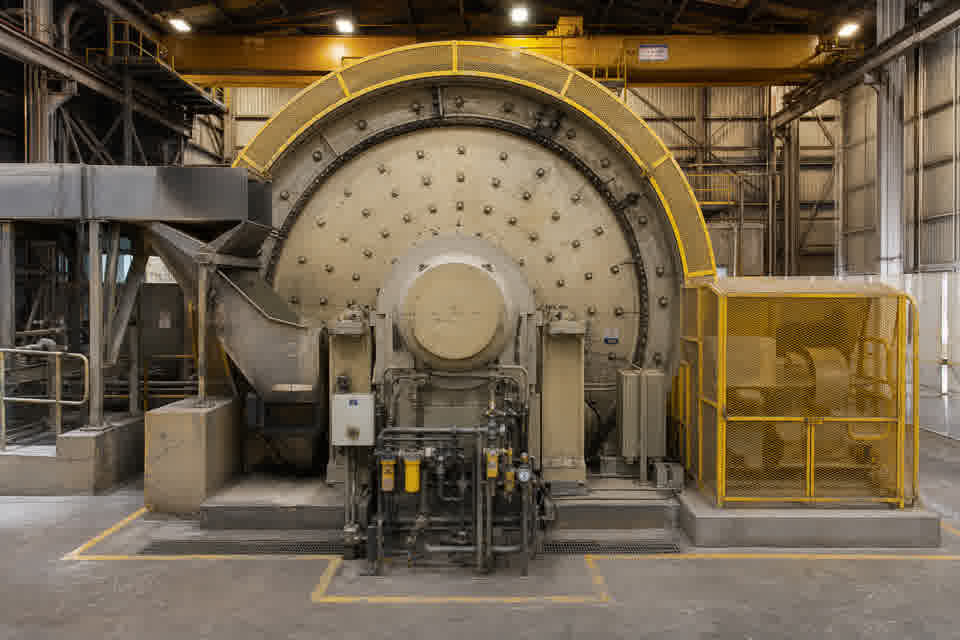
The cost: Mill instability can reduce throughput, increase energy use, accelerate liner wear, and create downstream variability across the processing circuit.
What Grayson does: Tracks mill power draw, bearing pressure, vibration, feed rate, speed, density, and discharge behavior to surface signatures of overload, underload, liner wear, or abnormal process variation.
Ask Grayson: “Here’s two weeks of SAG mill power draw, bearing pressure, vibration, feed rate, and density. Are the trends consistent with load instability, liner wear, or abnormal operating variance?”
Outcome: Help the engineer confirm whether the mill data supports a hunch about load instability, liner wear, or changing operating behavior.
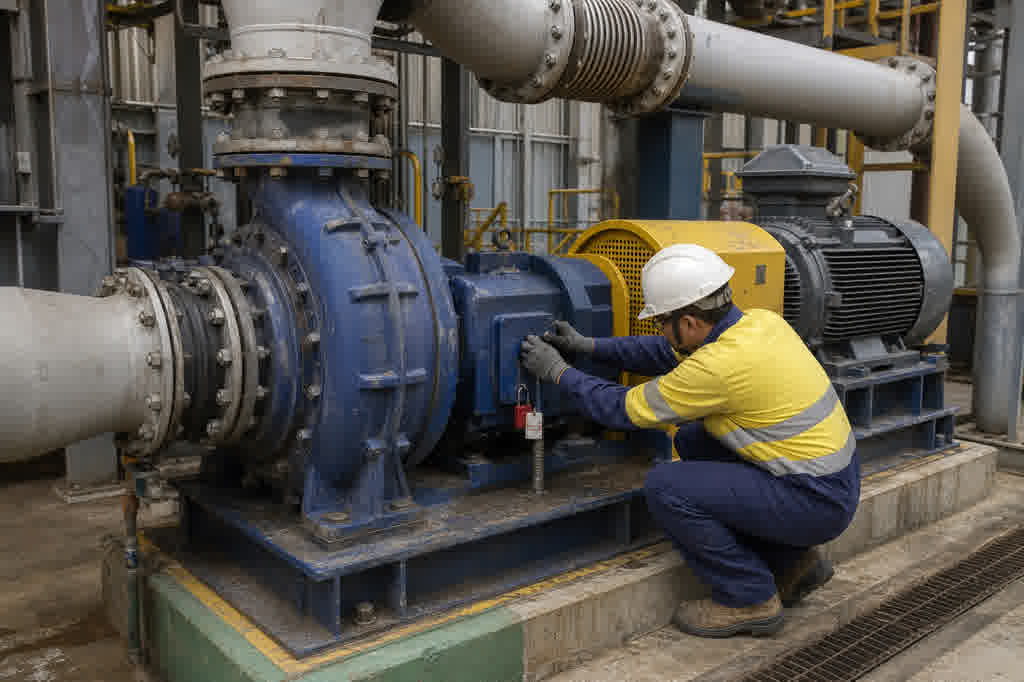
The cost: A degrading slurry pump can reduce flow, increase energy draw, damage wet-end components, and create process interruptions before the issue is obvious in production.
What Grayson does: Correlates suction pressure, discharge pressure, flow, density, motor current, and vibration to surface patterns consistent with cavitation, impeller wear, liner wear, plugging, or off-curve operation.
Ask Grayson: “Compare suction pressure, discharge pressure, flow, density, and motor current for Slurry Pump 4 over the last month. Does the data suggest cavitation, wear, or a developing restriction?”
Outcome: Help the team verify whether changing pressure, flow, density, current, and vibration patterns point to pump wear, cavitation, or plugging, not just normal process variation.
Grayson TimeSeries
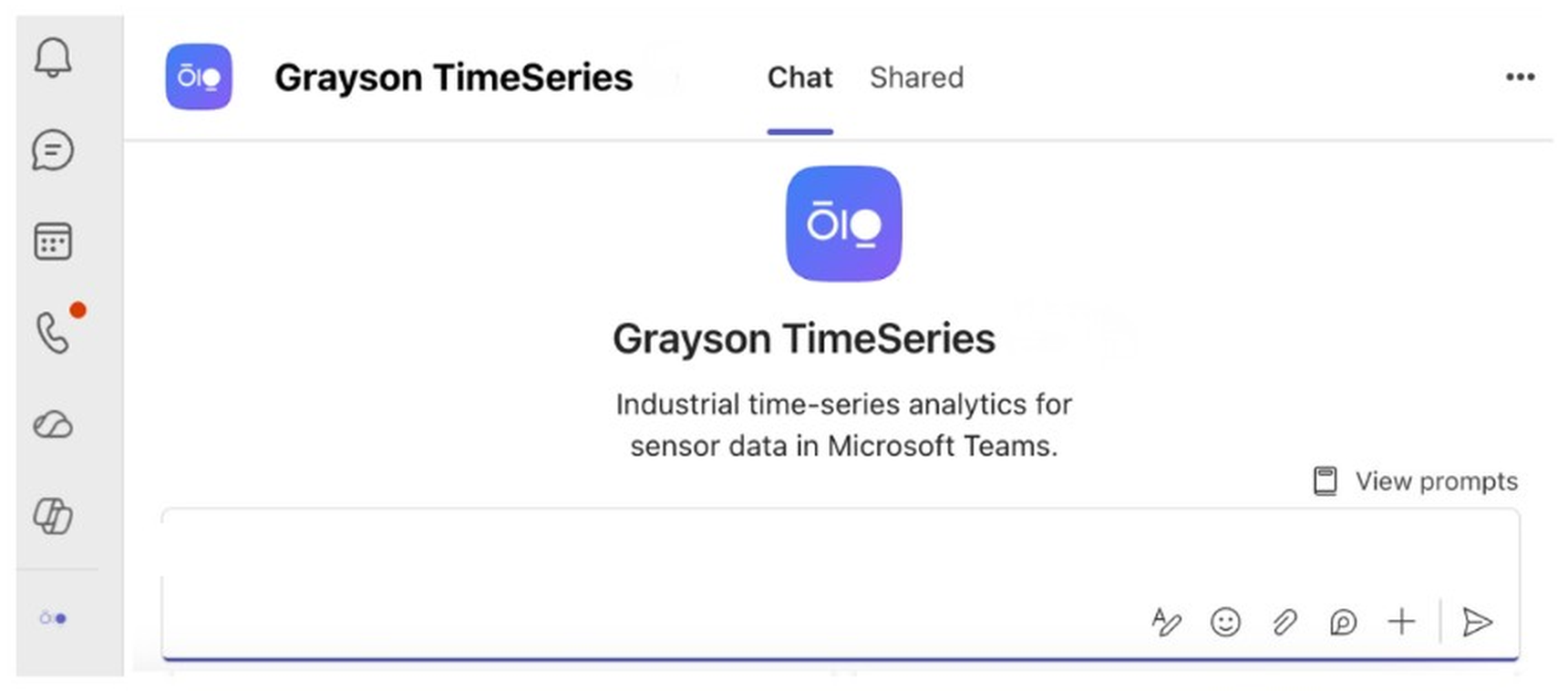
Grayson TimeSeries is a Microsoft Teams app that lets engineers and operators individually chat with their industrial process data for quick insights with a deterministic and auditable AI agent.
FAQ
Answers to help you get started faster.
Real stories from teams who streamlined their workflow and delivered more with less.
What is Grayson TimeSeries?
Grayson TimeSeries is a Microsoft Teams app that lets engineers and operators individually chat with their industrial process data for quick insights with a deterministic and auditable AI agent.
How is Grayson TimeSeries different from traditional mining data historian analytics tools?
Traditional analytics platforms require separate licenses, training, and often an IT project before the first answer. Grayson TimeSeries runs inside the Microsoft 365 Copilot subscription you already have, takes questions in natural language, and returns deterministic analysis on your exported historian data, with nothing new to install or learn.
Can Grayson read crusher, mill, pump, and conveyor data from my existing SCADA or historian?
Yes. Grayson works with any time-series export from your historian today: export the relevant tags to Excel or CSV and ask in plain language. If the data is in your historian, whether crusher motor current, mill power draw, slurry pump pressure, conveyor speed, or vibration readings, Grayson can work with it immediately, with no integration project required.
Can Grayson help with daily shift reports?
Yes. Grayson can analyze exported time-series data from the previous shift and help summarize what changed, which assets drifted from baseline, and which signals support the team’s hunches. It does not replace operator judgment or maintenance planning, but it can reduce the manual trend-hunting that often goes into shift handoff and daily reporting.
Can Grayson compare multiple signals across a processing circuit?
Yes. Grayson reads any combination of exported tags in a single query. Comparing feed rate, power draw, bearing pressure, vibration, density, flow, and pressure across multiple assets or process areas is a standard analysis.
Does Grayson work with SAG mill, ball mill, and slurry pump data?
Yes. Mill power draw, bearing pressure, vibration, feed rate, density, slurry pump pressure, flow, motor current, and related process tags are exactly the kinds of time-series data Grayson is built for. Export the relevant tags and ask in plain language.