
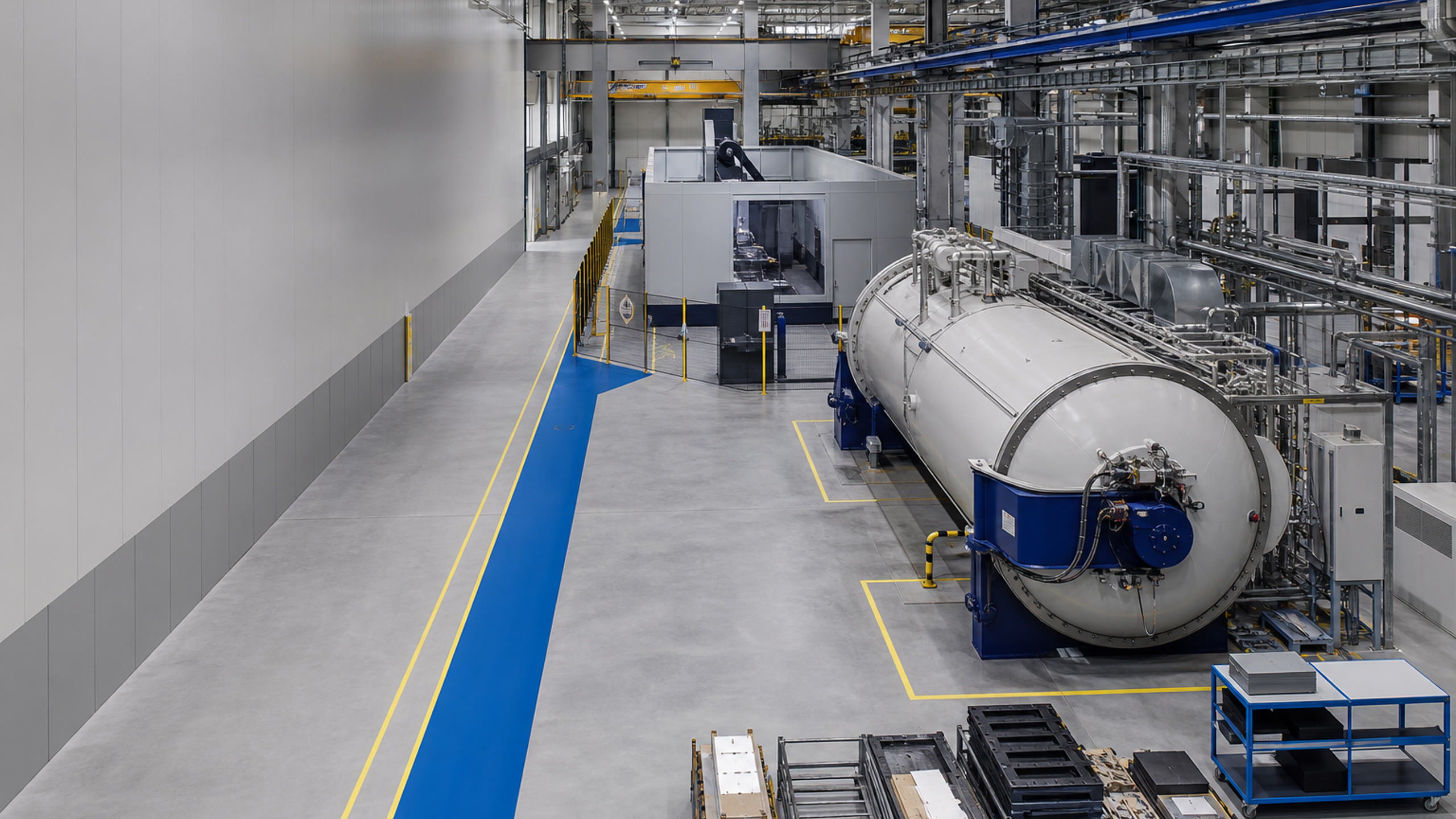
Aerospace & Defense Manufacturing

Historical Time Series Analytics for Aerospace Manufacturing Teams

Compare autoclave air-to-part thermal lag, furnace multi-zone soak behavior, and CNC spindle-load and cycle-time summaries without another manual workbook. Grayson TimeSeries supports qualified engineering investigation of prepared historical data inside Microsoft Teams using deterministic and auditable methods.

Get answers, quickly, by chatting with your industrial process data inside Microsoft Teams.

Self-service industrial time series analytics

Ask Your Data. Get Answers Now. In Teams.

Get fast, trustworthy answers from your industrial process data through conversation - no new dashboards, no coding, and no waiting for someone else.

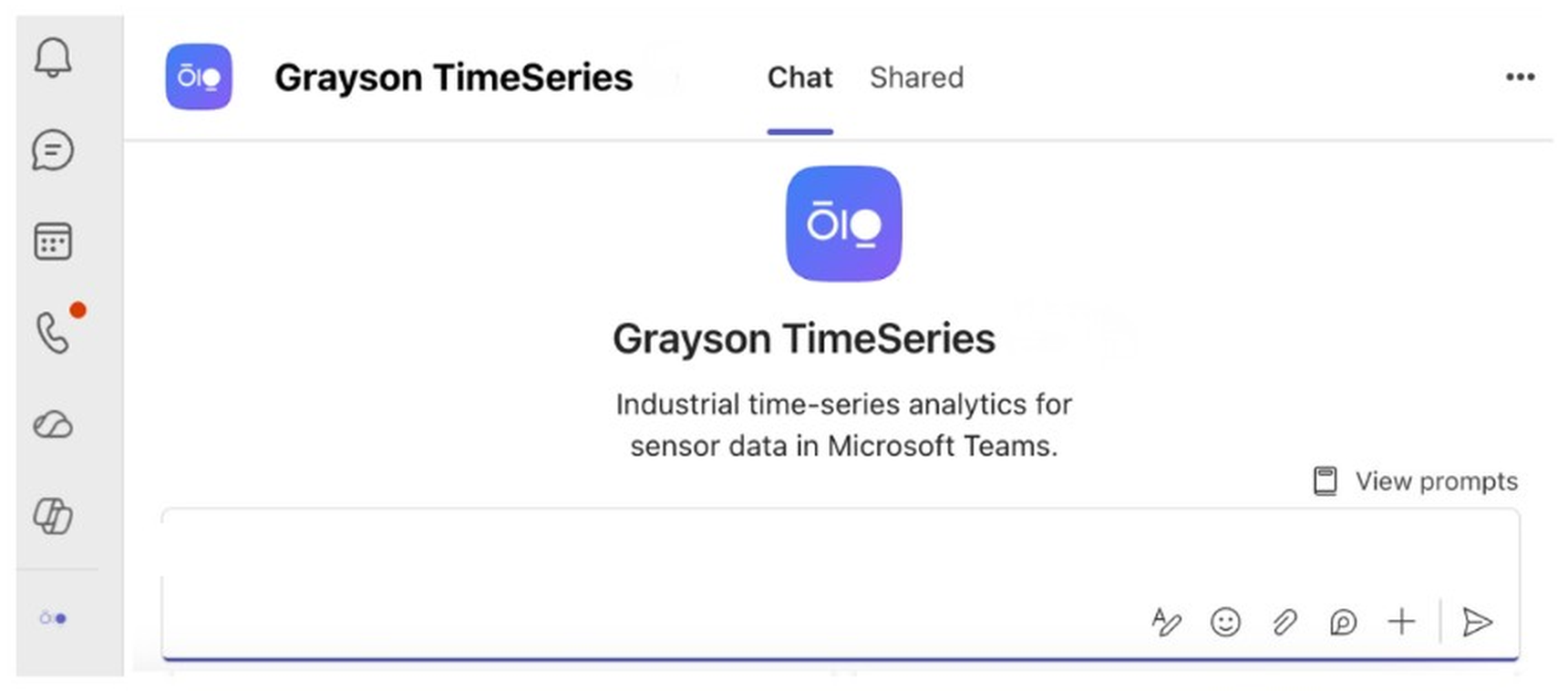
Grayson TimeSeries welcome screen in Microsoft Teams
Use Cases

The answers are already in your historical process data

Aerospace manufacturing produces batch-cycle histories, thermocouple records, furnace zones, vacuum and pressure measurements, CNC summaries, program and tool context, and quality records. The useful analytical question must remain separate from acceptance, certification, and design-authority decisions.

Grayson TimeSeries helps the people closest to the problem ask direct questions of one prepared CSV or Excel file and receive evidence-based answers backed by deterministic, reproducible analysis.

Autoclave Air-to-Part Thermal-Lag Comparison

Why it is hard: Thermocouple response depends on part and tool geometry, sensor placement, load arrangement, airflow, recipe, pressure, vacuum, instrumentation, and material system. Historical lead-lag does not determine cure acceptance.

What Grayson analyzes: Prepared cycle records with cycle ID, elapsed time, phase, vessel-air temperature, selected part thermocouples, vessel pressure, vacuum, load family, and a prepared air-to-part delta.

Ask Grayson: “Compare ten cycles during the primary heating ramp. Which cycles show a larger recorded lag for the trailing part thermocouple, and when does it converge?”

Outcome: Help process and tooling engineers focus review on specific cycles, load records, thermocouples, tooling, equipment, and approved process documentation.
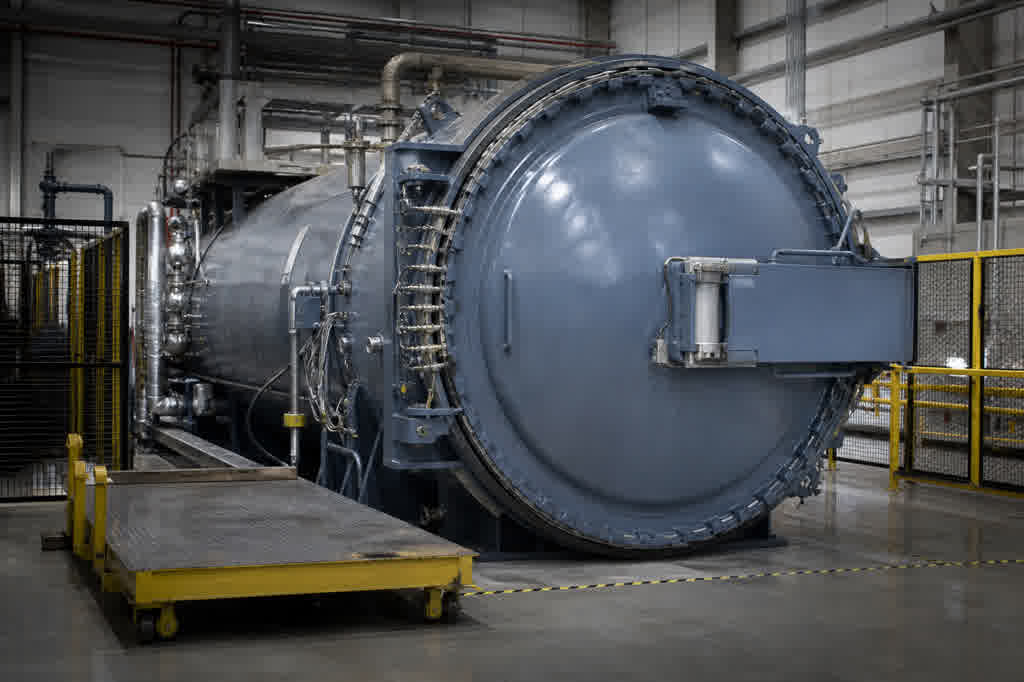
Closed aerospace composites autoclave with pressure and vacuum connections

Vacuum Heat-Treatment Furnace Multi-Zone Soak Comparison

Why it is hard: Zone temperatures depend on load, fixtures, recipe, instruments, furnace condition, vacuum, heating elements, and sensor locations. Historical production records are not a substitute for required pyrometry or acceptance procedures.

What Grayson analyzes: Prepared cycle data with elapsed time, phase, setpoint, multiple zone temperatures, vacuum pressure, load family, prepared zone spread, user-defined reference band, and maintenance markers.

Ask Grayson: “Compare the soak phase across twenty cycles. Which zones and cycles depart most from the recent production pattern?”

Outcome: Give heat-treatment and maintenance teams a qualified cycle list for reviewing records, sensors, elements, load configuration, vacuum system, and required procedures.

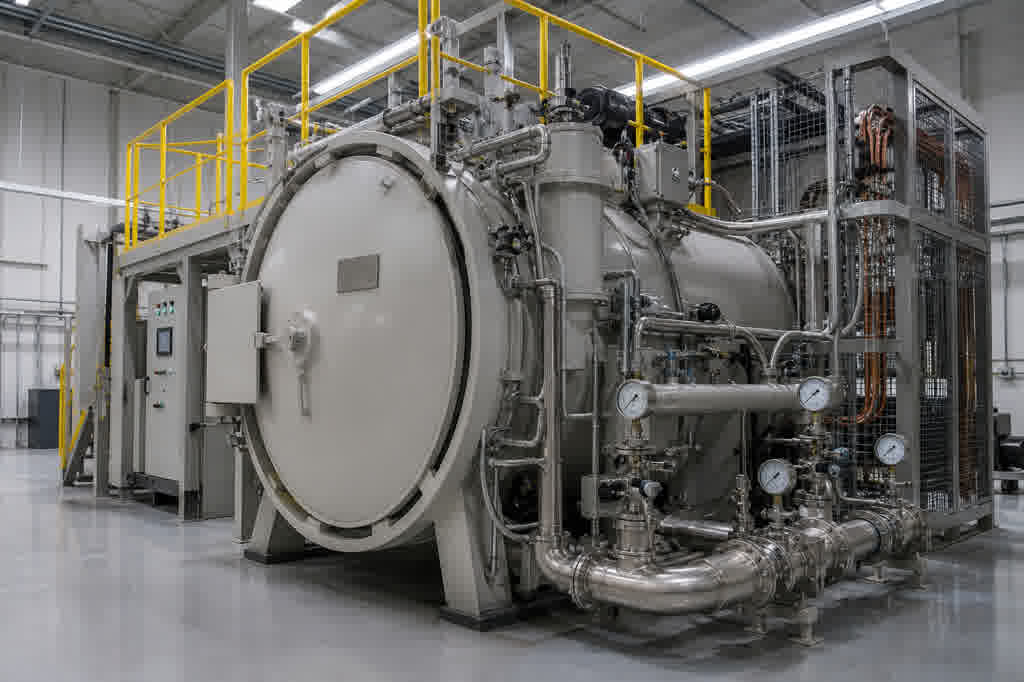
Vacuum heat-treatment furnace with closed chamber and service platform

CNC Spindle-Load and Cycle-Time Drift Summaries

Why it is hard: Spindle load and cycle time vary with program, tool, material, workholding, feed, speed, coolant, warm-up, machine state, and overrides. The pattern does not diagnose tool wear or part quality.

What Grayson analyzes: Prepared cycle-level rows with machine, program, operation, tool, material family, commanded feed and speed, spindle-load statistics, cycle time, cycles since tool change, and maintenance markers.

Ask Grayson: “Filter to the same program, operation, tool, and material family. When does the load and cycle-time relationship move away from baseline?”

Outcome: Isolate the cycles where spindle load and cycle time moved away from the recent pattern under matched program, tool, material, feed, and speed conditions. Manufacturing engineers can use that list to review tooling, workholding, coolant, machine state, and inspection records.

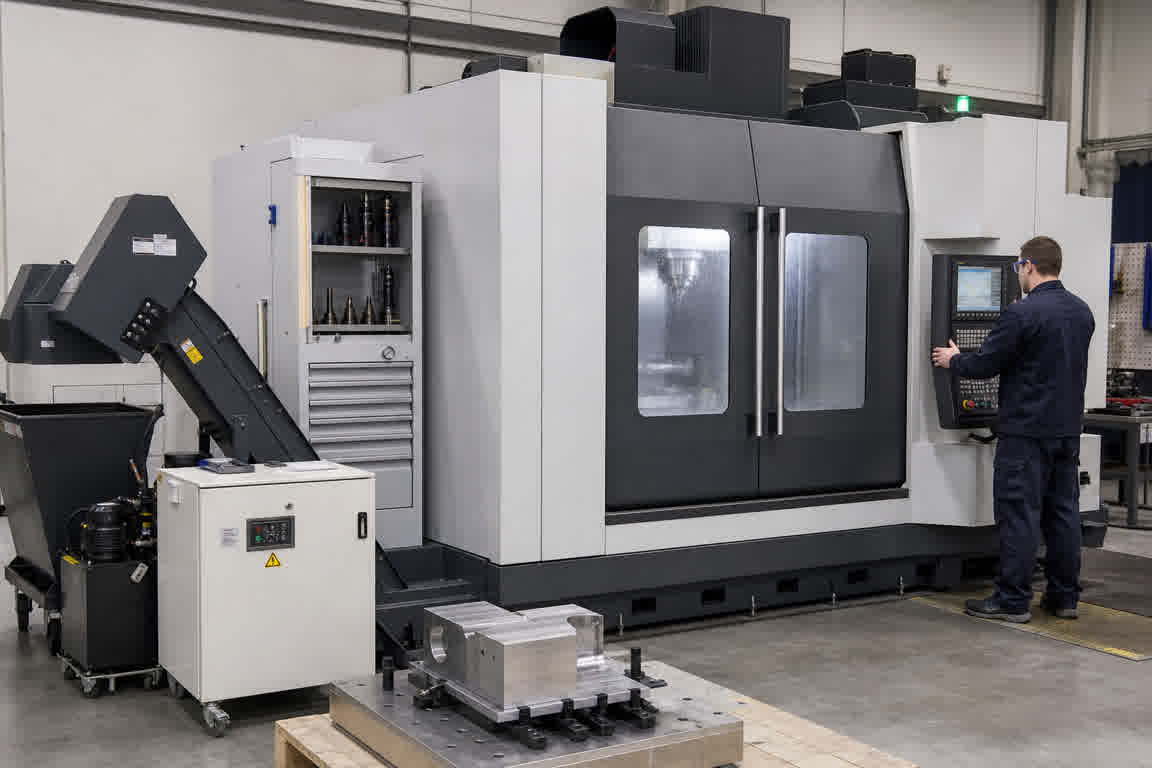
Guarded five-axis aerospace CNC machining cell

Grayson TimeSeries

Grayson TimeSeries is a Microsoft Teams app that lets engineers and operators individually chat with their industrial process data for quick insights with a deterministic and auditable AI agent.

MICROSOFT COPILOT

Powered by Microsoft Copilot and available in Teams, making it easy to use within your Microsoft 365 ecosystem.

PROCESS DATA ANALYTICS

Grayson TimeSeries prepares and validates your process data automatically, detects anomalies, makes forecasts and establishes correlations.

FAQ

Answers to help you get started faster.

Real stories from teams who streamlined their workflow and delivered more with less.

What autoclave, furnace, and CNC data can Grayson analyze?

Grayson TimeSeries analyzes one prepared CSV or Excel file from aerospace manufacturing history. Typical uploads include autoclave cycle records with vessel-air and part thermocouples, pressure, vacuum, load family, and air-to-part delta; furnace soak data with zone temperatures, vacuum pressure, zone spread, and maintenance markers; and CNC cycle summaries with program, tool, material family, commanded feed and speed, spindle-load statistics, and cycle time.

Can Grayson compare air-to-part thermal lag across autoclave cycles?

Yes. With prepared cycle records, Grayson can compare vessel-air temperature, selected part thermocouples, and air-to-part delta during the primary heating ramp across cycles and load families. Process and tooling engineers can use that comparison to focus review on specific cycles, load records, thermocouples, tooling, equipment, and approved process documentation. Historical lead-lag alone does not establish cure acceptance.
Can Grayson show which furnace zones depart from the recent soak pattern?

Yes. Grayson can compare the soak phase across prepared cycles, rank zones and cycles that depart most from the recent production pattern, and surface them against setpoint, vacuum pressure, load family, and a user-defined reference band. Heat-treatment and maintenance teams can use that cycle list for reviewing records, sensors, elements, load configuration, vacuum system, and required procedures.

Can Grayson find spindle-load and cycle-time drift under comparable CNC conditions?

Yes. With prepared cycle-level rows, Grayson can filter to matched program, operation, tool, and material family, then flag when spindle-load statistics and cycle time move away from the recent pattern under comparable feed and speed conditions. Manufacturing engineers can use that list to review tooling, workholding, coolant, machine state, and inspection records. Tool condition and part quality still need inspection and quality evidence.

How does the file-based workflow fit an aerospace engineering investigation?

Engineers export, align, and combine controller or historian records into one prepared CSV or Excel file, then ask questions inside Microsoft Teams using deterministic, reproducible analysis. That keeps the analytical question separate from acceptance, certification, and design-authority decisions. Direct historian access usually starts as a CSV or XLSX export; a managed AVEVA or historian connection needs IT.

How should controlled or export-restricted technical data be handled?

That decision belongs to the user organization. Deployment, tenant configuration, data classification, contractual obligations, export controls, and access permissions must be reviewed before any sensitive technical data is uploaded or used in Grayson TimeSeries.